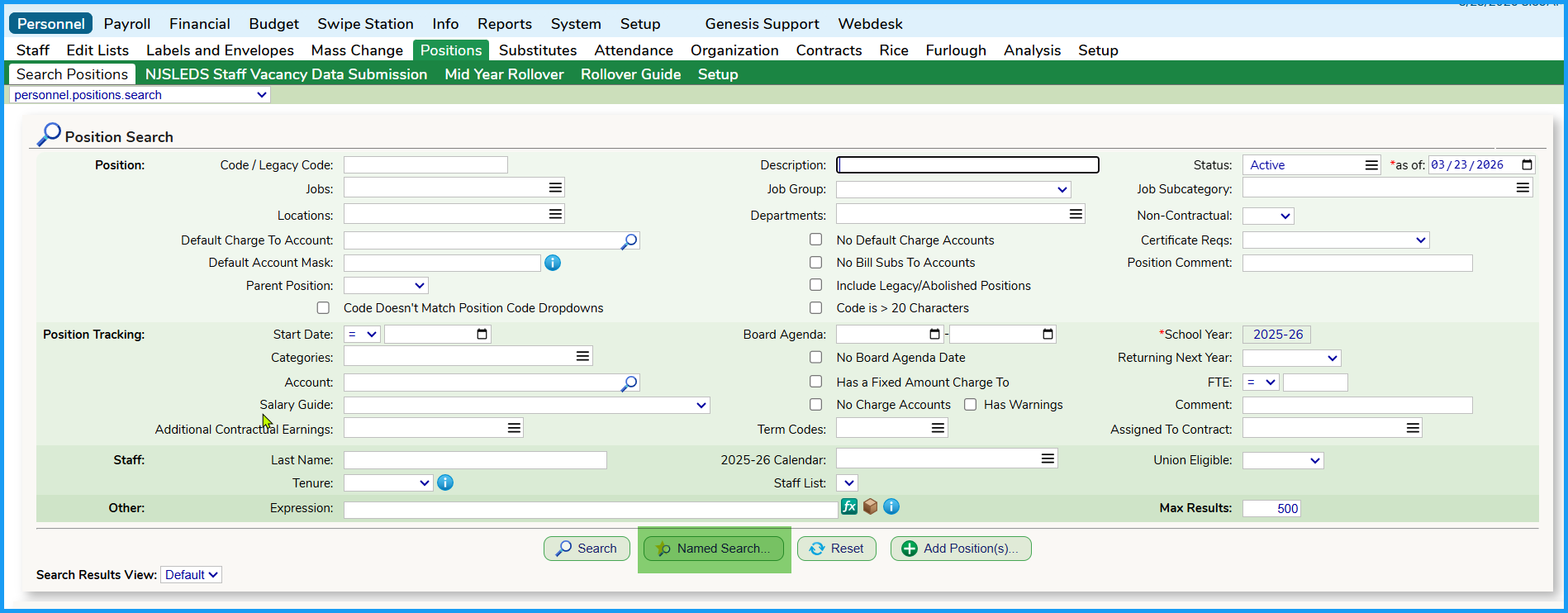
In SchoolFi, the Search Result View can be combined with Positions data to create custom reports. To create a custom report, navigate to the Personnel >> Positions tab.
There are a number of search parameters that you can utilize the Positions tab. You can save your search parameters utilizing the familiar Named Search button (highlighted in green below).
Was this article helpful?
That’s Great!
Thank you for your feedback
Sorry! We couldn't be helpful
Thank you for your feedback
Feedback sent
We appreciate your effort and will try to fix the article