Step 7 of Budget Year-End Rollover
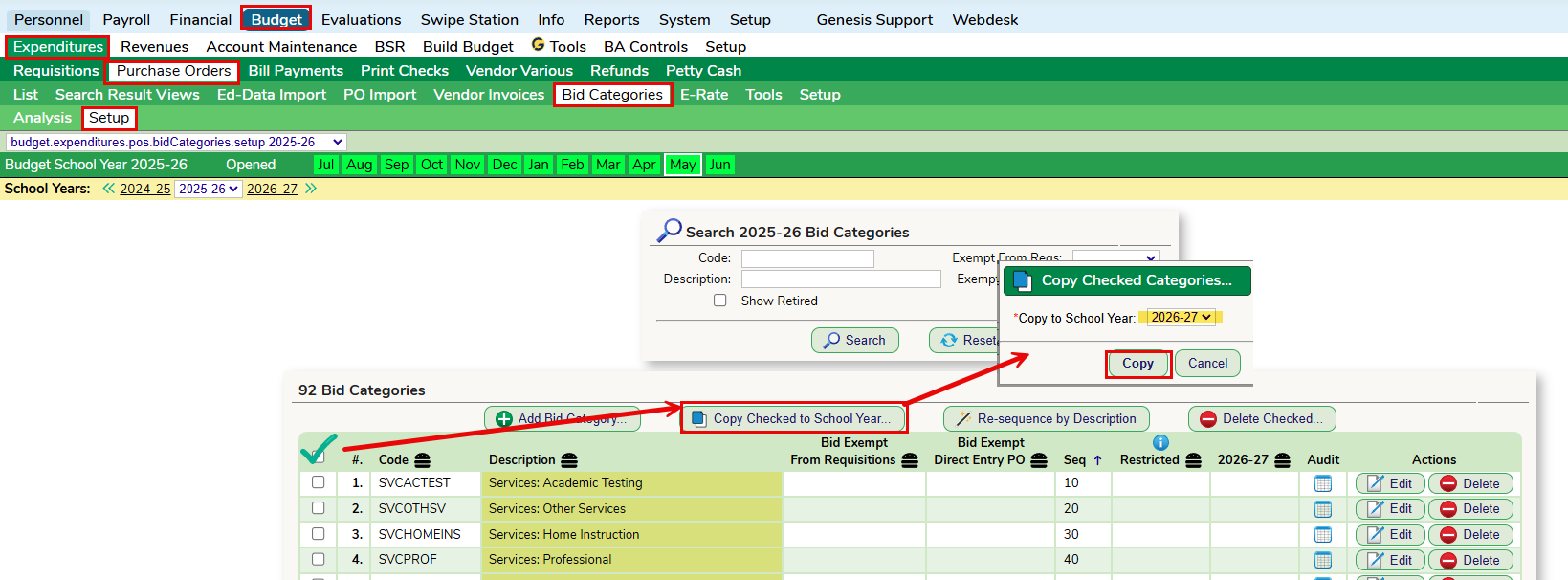
From the Budget > Expenditures > Purchase Orders > Bid Categories > Setup screen, check off the Bid Categories you wish to rollover into next year. Then click the Copy Checked to School Year button and choose next year. Then click Copy.
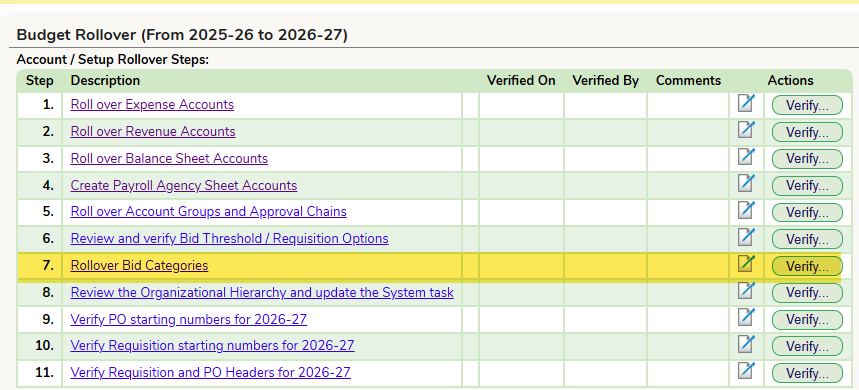
Verify Step 7 on the Budget Year-End Rollover Guide
Was this article helpful?
That’s Great!
Thank you for your feedback
Sorry! We couldn't be helpful
Thank you for your feedback
Feedback sent
We appreciate your effort and will try to fix the article