Step 11 of the Budget Year-End Rollover Guide
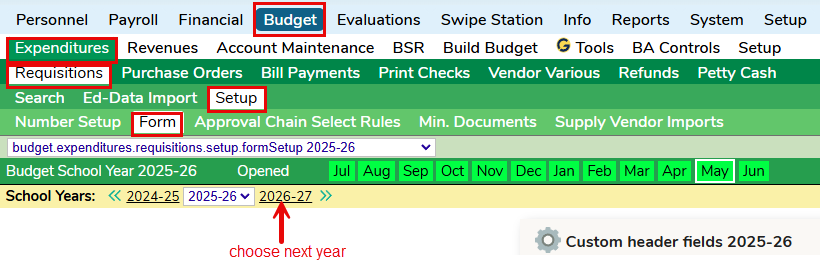
From the Budget > Expenditures > Requisitions > Setup > Form tab, click on next year.
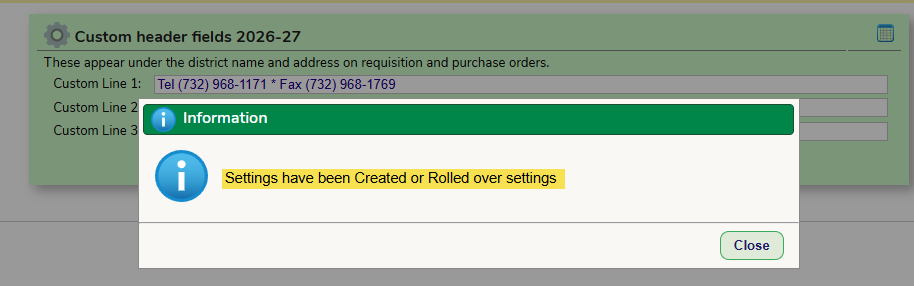
You will receive this message. If you do not receive this message, it means this was already done. Click Close. If any updates need to be made to the header fields, do so now.
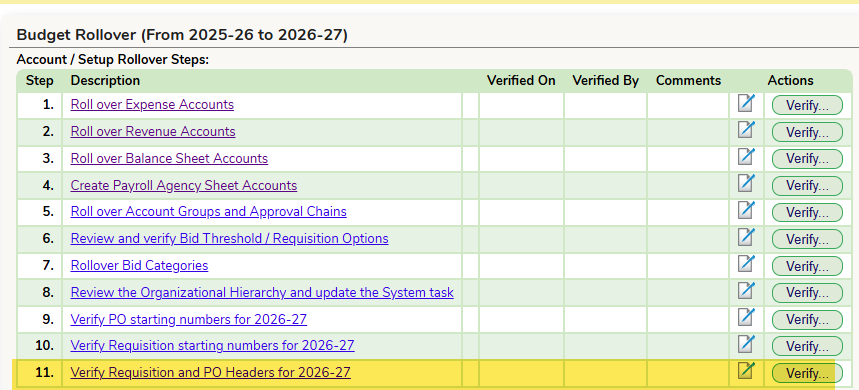
Verify this task on the Budget Year-End rollover guide
Was this article helpful?
That’s Great!
Thank you for your feedback
Sorry! We couldn't be helpful
Thank you for your feedback
Feedback sent
We appreciate your effort and will try to fix the article