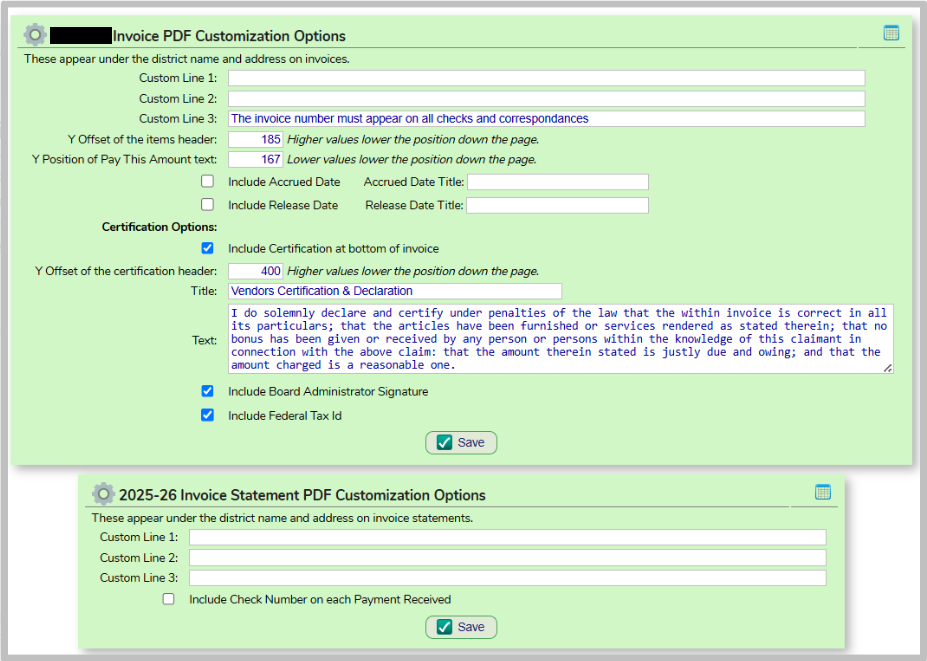
On the Budget > Revenues > Invoices > PDF Form Setup screen, choose next year from the yellow School Year band. Review the data on the screen and make any necessary changes
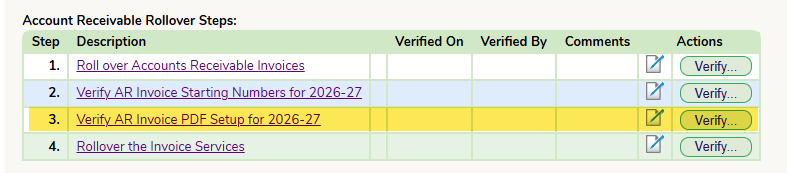
When complete ensure you sign off on the rollover tab:
Was this article helpful?
That’s Great!
Thank you for your feedback
Sorry! We couldn't be helpful
Thank you for your feedback
Feedback sent
We appreciate your effort and will try to fix the article