This article will review how evaluators can view historic observations in their portal.
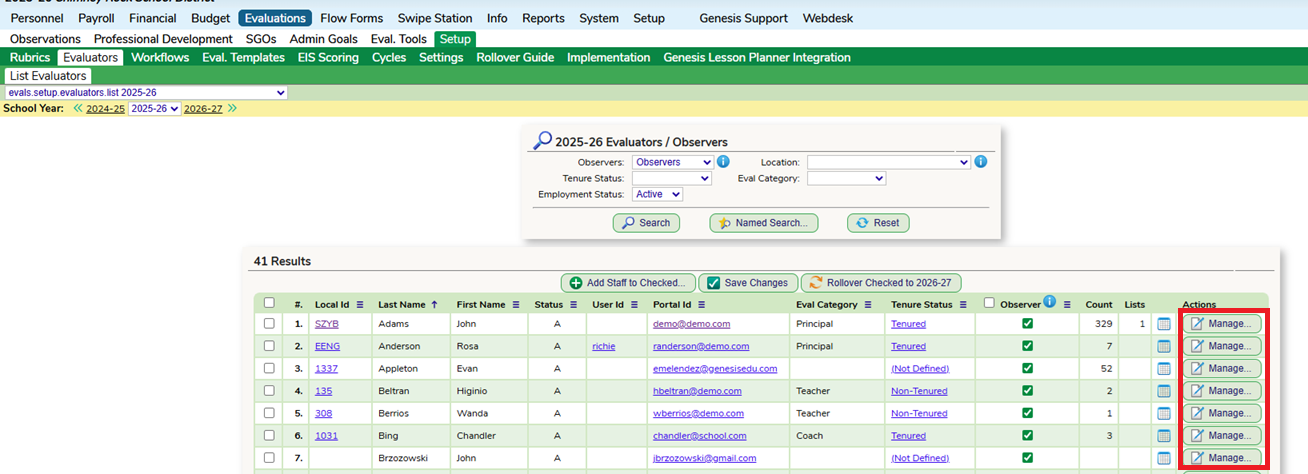
In SchoolFi, the evaluator will need access to the staff on the Evaluations - Setup - Evaluators list for the current school year.
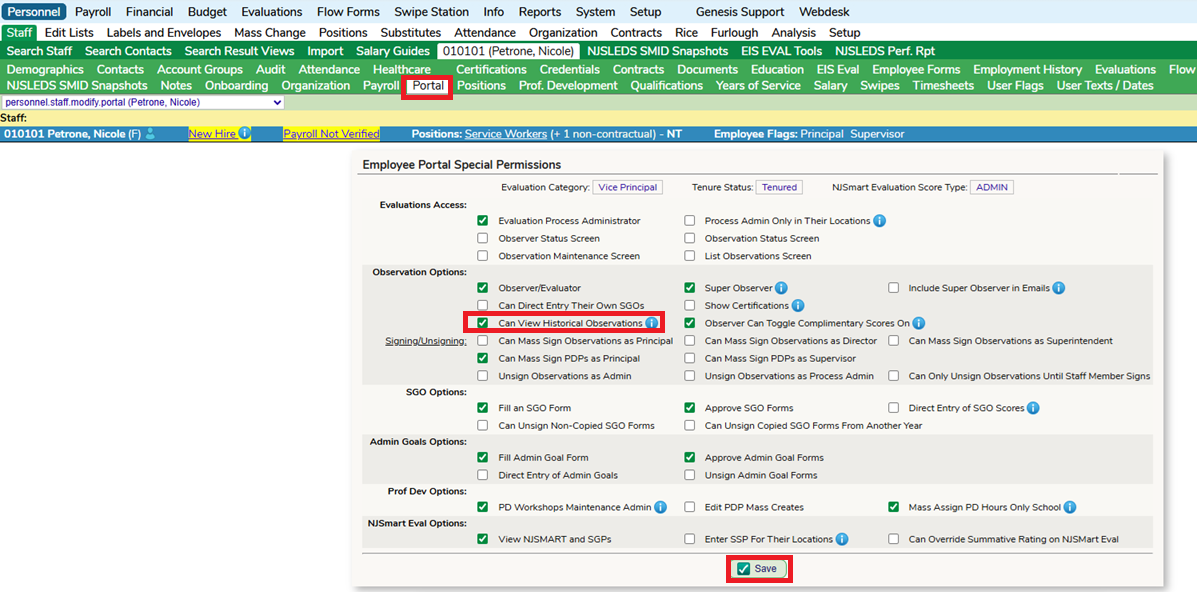
On the evaluators Portal screen in SchoolFi, this box will need to be enabled.
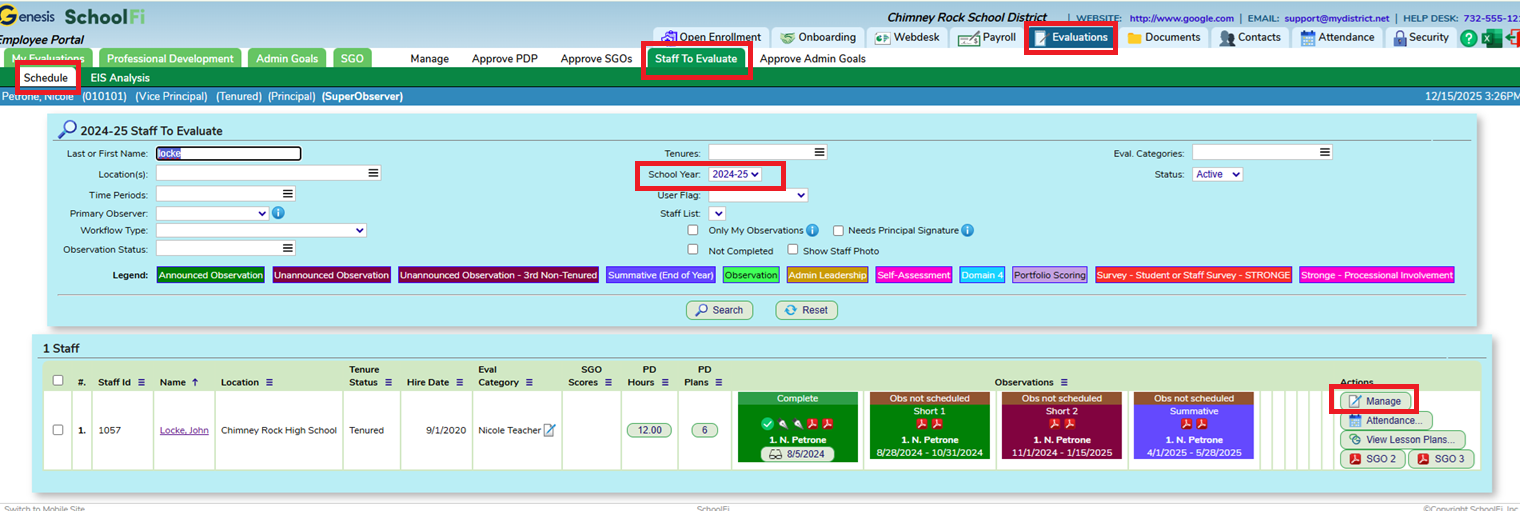
The evaluator will then be able to search historic observations on their Evaluations - Staff to Evaluate screen in their Portal. This can be done as a global search as well as when they are within a staff observation profile.

Was this article helpful?
That’s Great!
Thank you for your feedback
Sorry! We couldn't be helpful
Thank you for your feedback
Feedback sent
We appreciate your effort and will try to fix the article